Free trial setup
-
Complete the Introductory setup steps.
-
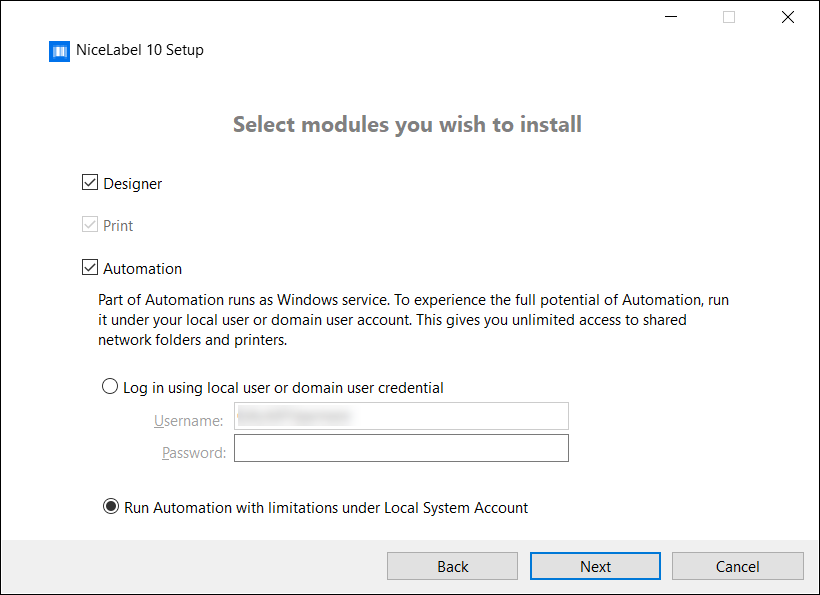
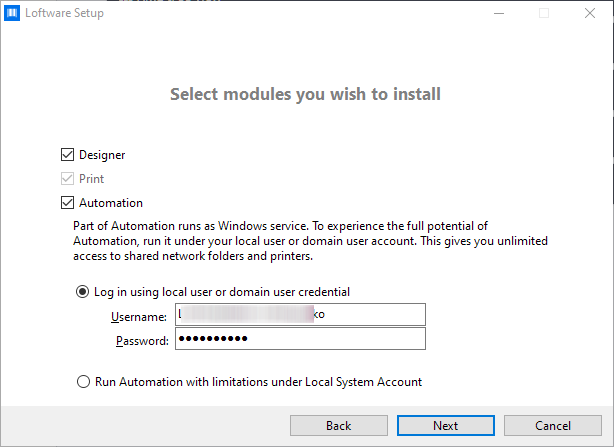
Select the modules you wish to install.
-
Select how you are going to run Automation.
Tip
This step is necessary only if you decide to install Loftware Automation.
Type in the account under which the Windows services are going to run. Make sure you use an account with access to printer drivers and label files. These files must be accessible even if they belong to network shared resources.
Note
We recommend using standard or administrative user accounts. The Local System Account has limited access to network shared files and printers. It requires additional work when setting up printers to make them work correctly.
Note
If you upgrade from NiceLabel Desktop Designer, installation won't prompt you for a user account but will set the Local System Account instead. Make sure you manually change your account to a standard or administrative user account after you install Loftware Designer. Open the Services console and navigate to Loftware Automation Service.
-
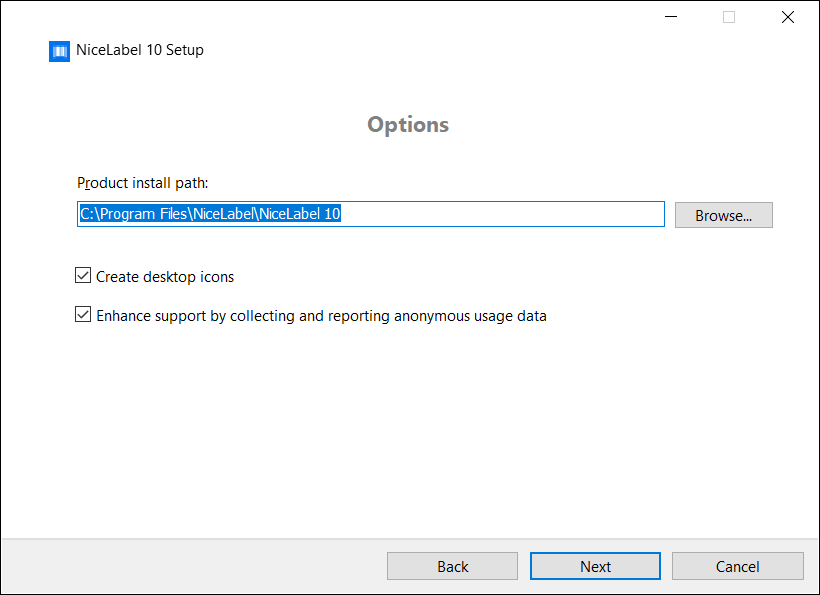
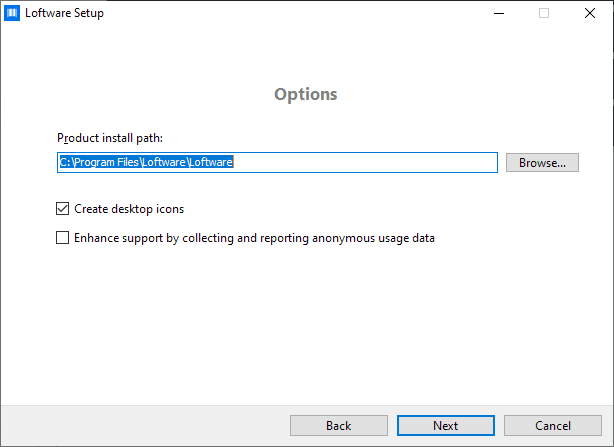
Define the installation path and decide if you want to share your usage data with Loftware or not. Anonymous usage data helps Loftware improve the applications and therefore increase your productivity.
-
Click Next to continue. You are ready to install Loftware .
-
Start the installation. Click Install to install Loftware on your computer.
-
Run Loftware . The initial trial dialog window opens:
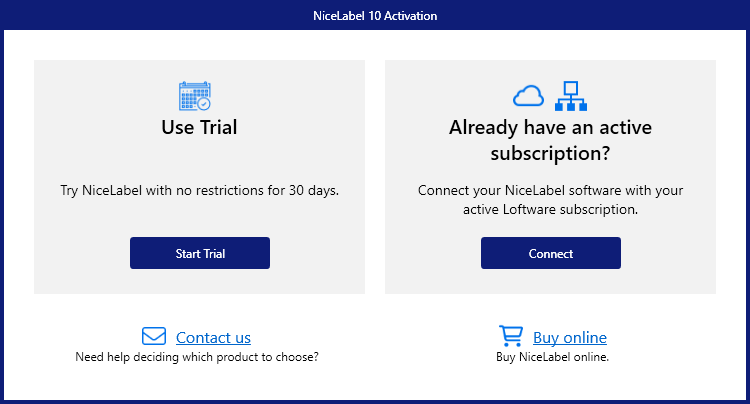
These options are available:
-
Click Start Trial to start with your 30 days trial period.
-
Click Activate to activate your purchased license. Activation enables you to start using the software without time limitations. Read about your activation options in the following sections:
-
-
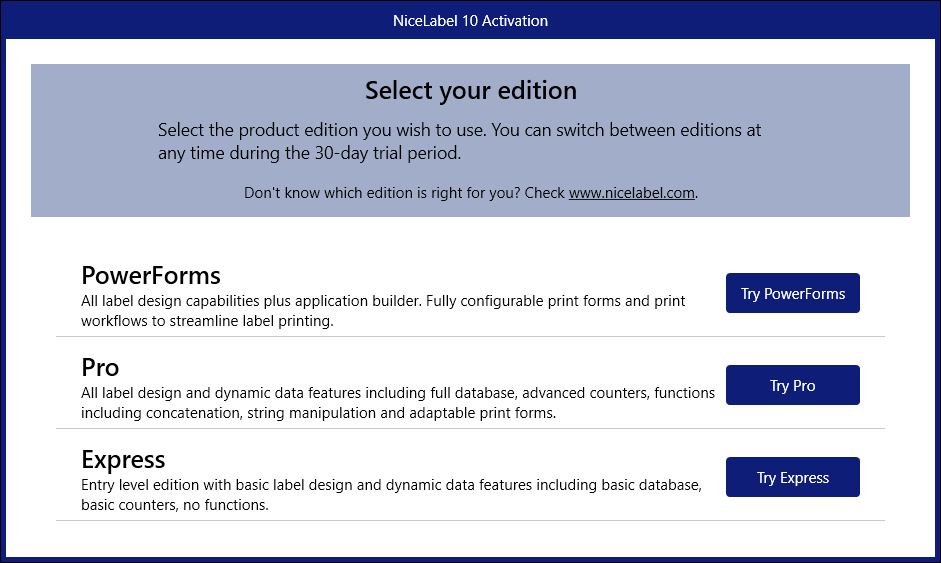
After clicking Start Trial, the Loftware product level selection dialog window appears:
-
Select which product level you wish to evaluate:
-
PowerForms allows you to design responsive labels and print forms that streamline printing and eliminate errors. This is the most comprehensive product level with the richest feature set.
-
Pro allows you to design and print responsive labels with dynamic content. For demanding users.
-
Express allows you to quickly design and print universal label templates. Simplicity and efficiency are the main characteristics of this product level.
The Loftware landing page opens. After you decide to activate Loftware , click Activate License in the Software Information section. This opens the Loftware activation dialog.
-
 more
more