Connector for SAP: How to Display More Than 10 Labels Per Page
Description
In the SAP Connector See Loftware Connector. Console, only 10 rows of labels are displayed by default. Some conditions can exist where viewing more than 10 rows of labels per page are required.
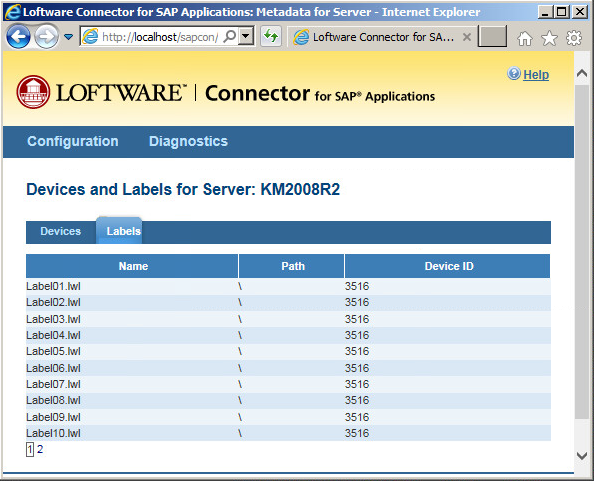
How to increase the number of label rows per page in the SAP Connector Console
- Edit the c:\Inetpub\wwwroot\sapcon\web.config file.
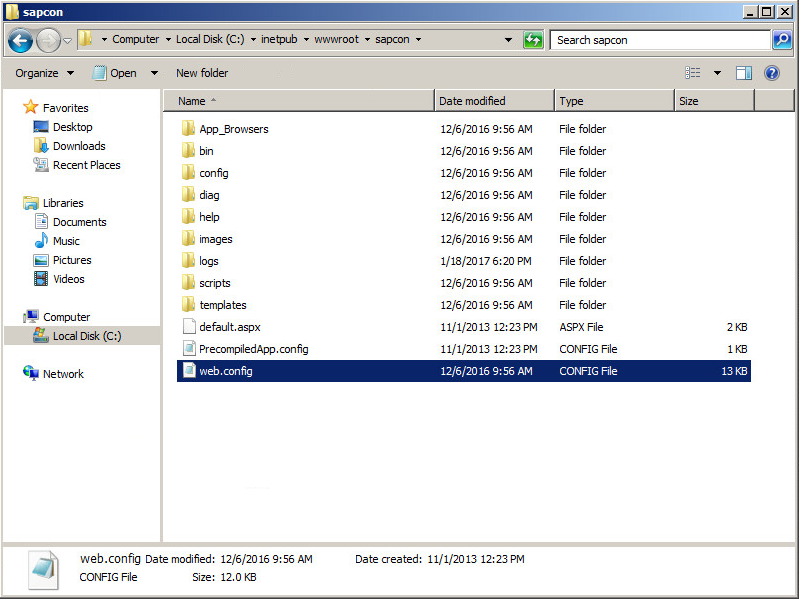
- Locate the following entry:
<add key="GridPageSize" value="10"></add> - Change the value="10" setting to the required number of label rows per page.
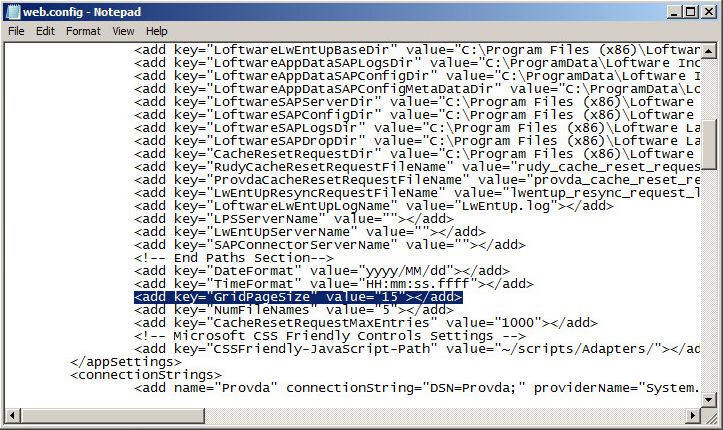
- Save the file.
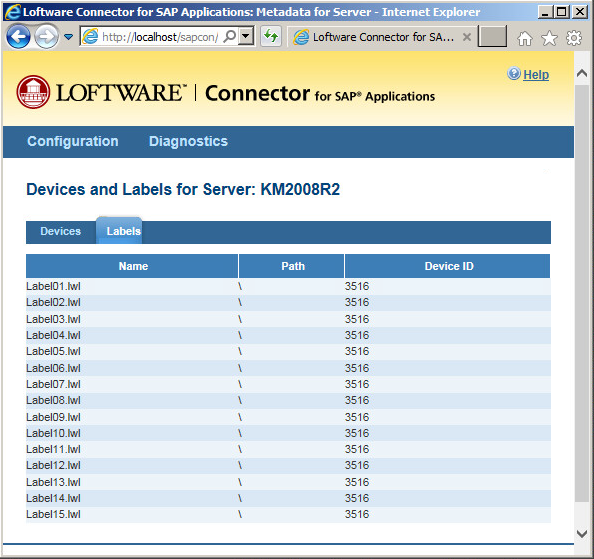
- Refresh the SAP Connector Console screen to view the new number of label rows per page.
Article Number
2017131
Versions
All supported LPS family product versions
Environment
Any supported LPS family product environment
