Oracle Connector - Error Message LPS: Tab information not located!
Description
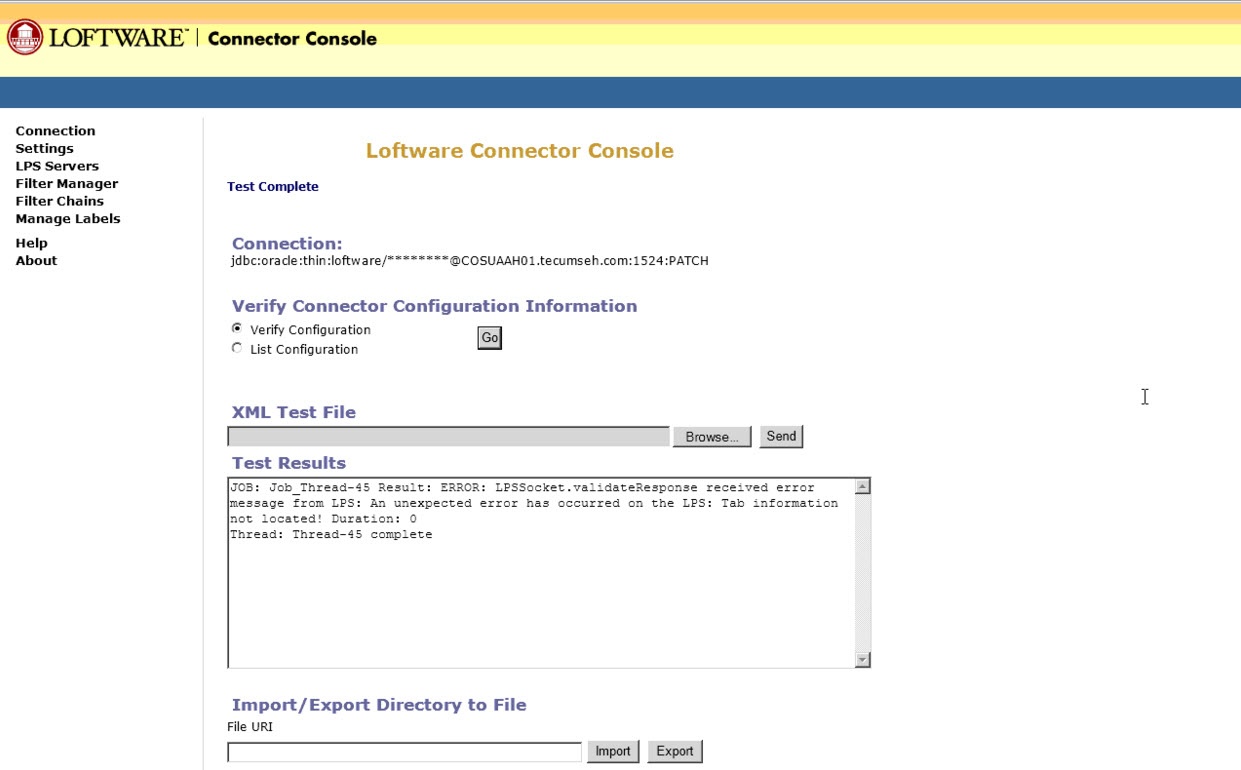
When trying to send XML Test Files from the Oracle Connector See Loftware Connector. console you are prompted with the following error message:
Solution
If this issue happens, locate the label file that is referenced in the xml file and edit the file with Notepad++.
Scroll to the bottom of the file and verify if the fields are referenced.
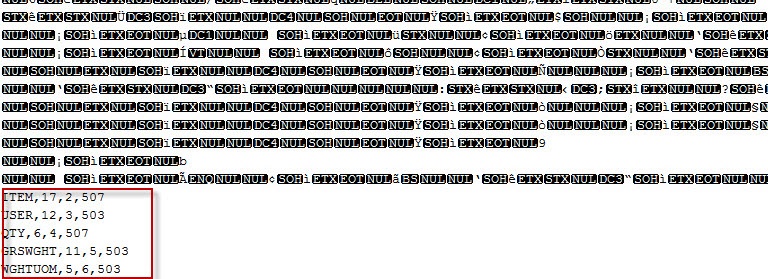
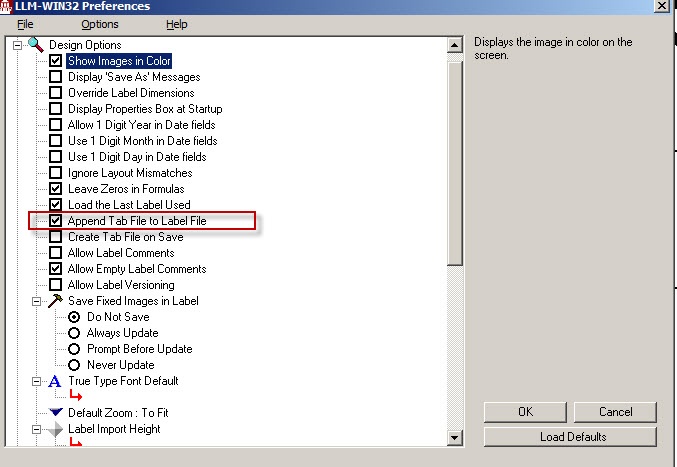
If the above is not found in the file, open the label in Design32 and go to Options and Preferences and verify if the option is selected for "Append Tab File to Label A label is a design area on the computer screen where a label format is created or edited. File". If it is not, place a checkmark in the box to the left, click OK and close out of Design32 to allow for changes to take affect.
Reopen the label in Design32 and save the label to allow for the tab file to append to the label design.
Log back onto the Connector Console and resend the test file
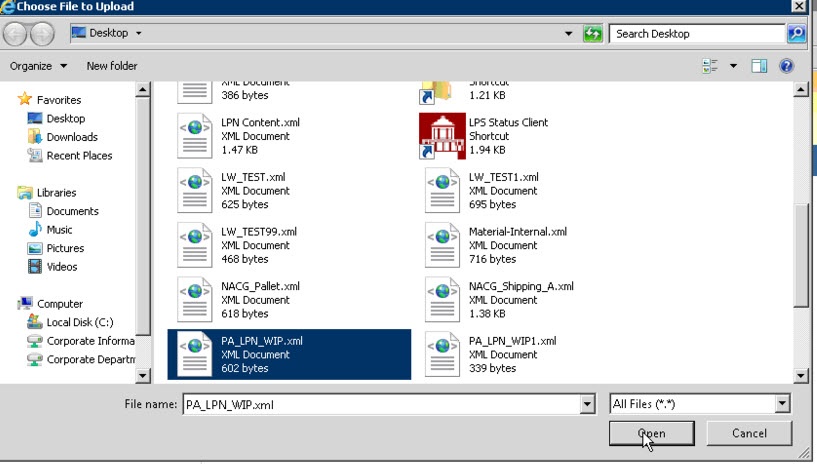
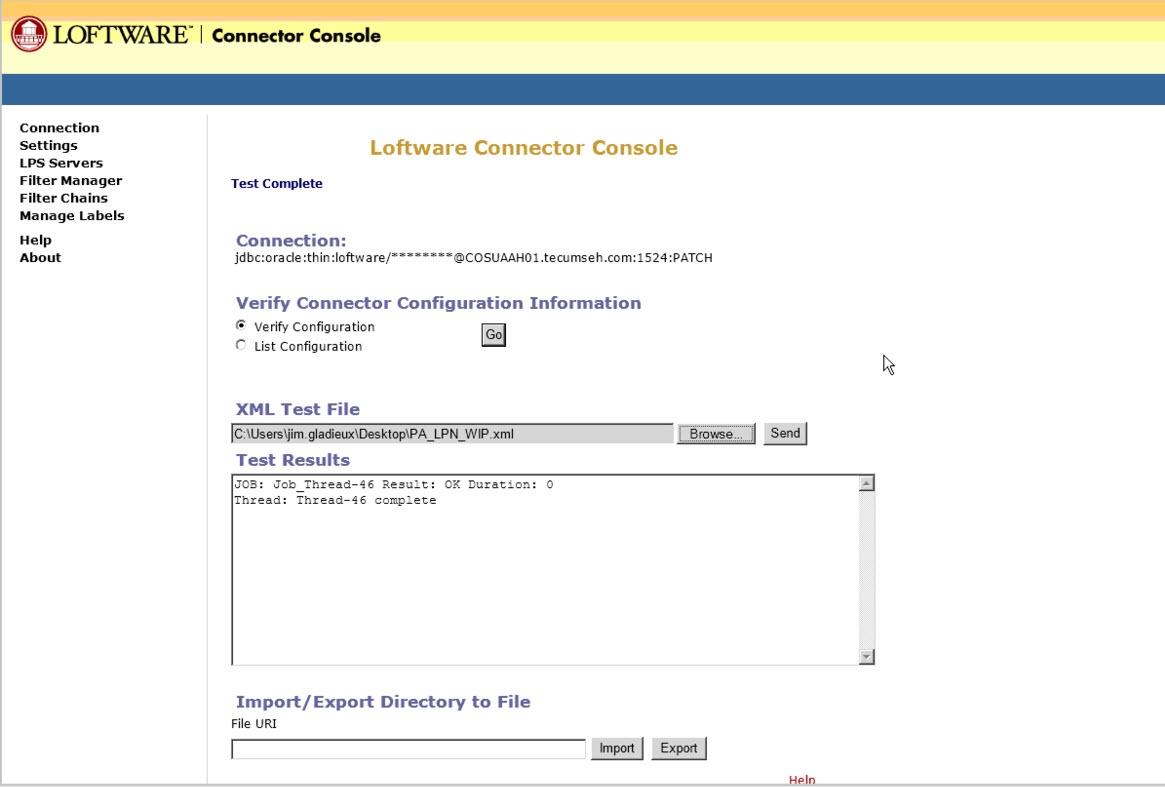
The job should successfully process and print to the printer.
Article Number
2014087
Versions
All supported LPS family product versions.
Environment
All supported installation environments.
