Loftware Oracle Connector Service Not Available After Installing Loftware Oracle Connector
Problem
After installing the Loftware Oracle Connector See Loftware Connector., the service "Loftware Connector Java-based software that establishes a high-speed connectivity bridge between UNIX-based enterprise applications and the Loftware Print Server (LPS). Console" is not available in the Services program.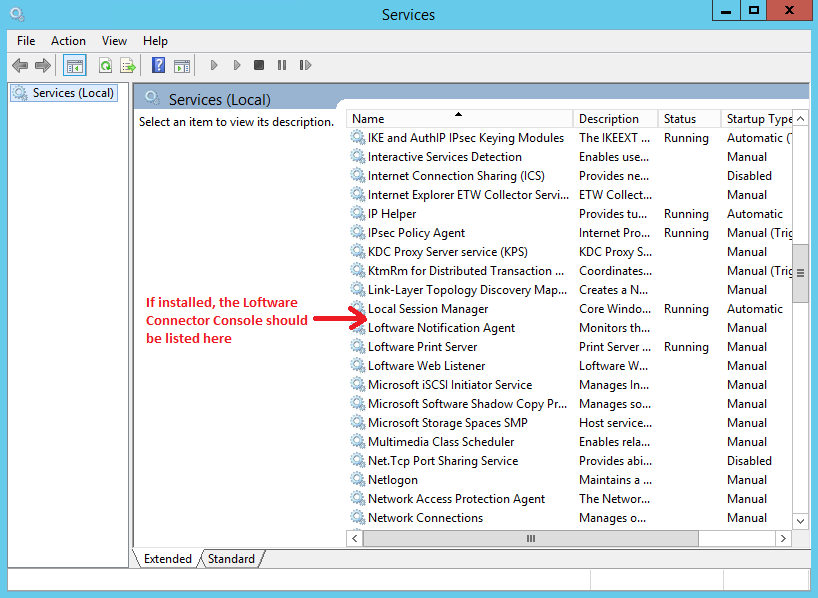
Explanation
There are 3 possible explanations for the Loftware Connector Console service not being available;
- During the Loftware Oracle Connector installation, the "Install Console As Service" choice was not selected.
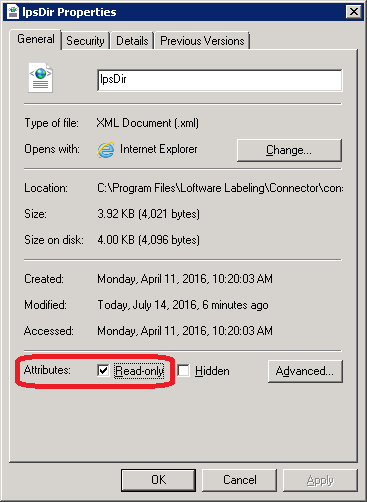
- In newer versions of the Loftware Oracle Connector, the service sometimes does not install, even if the "Install Console As Service" choice was selected.
- The Loftware Connector Console service was uninstalled at some point.
Solution
To re-install the Loftware Connector Console service, perform the following steps
- On the server where the Loftware Oracle Connector is installed, open a command prompt and navigate to the Loftware Labeling\Connector\console\bin folder.
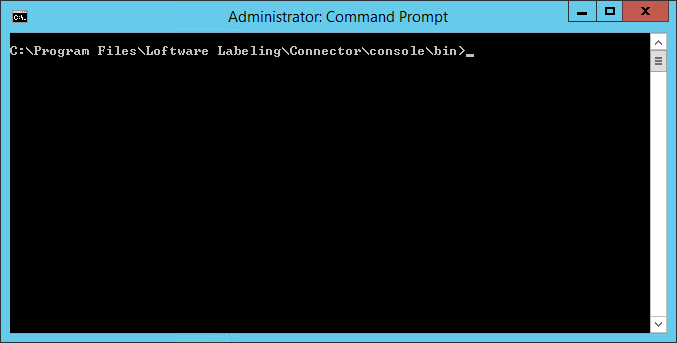
- Type "service.bat install" to install the Connector Console as a Windows service and click <Enter> to run it.
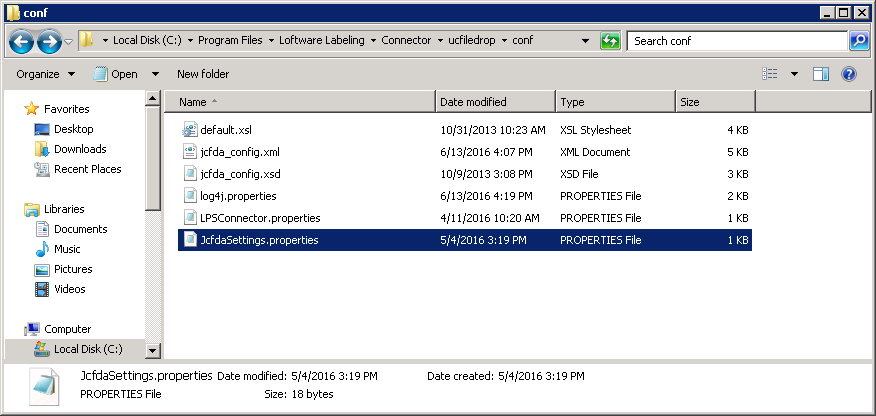
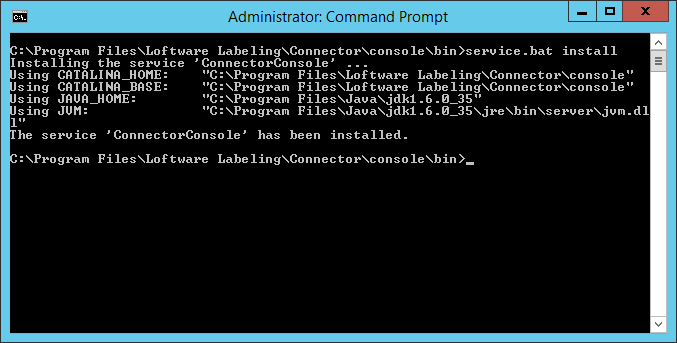
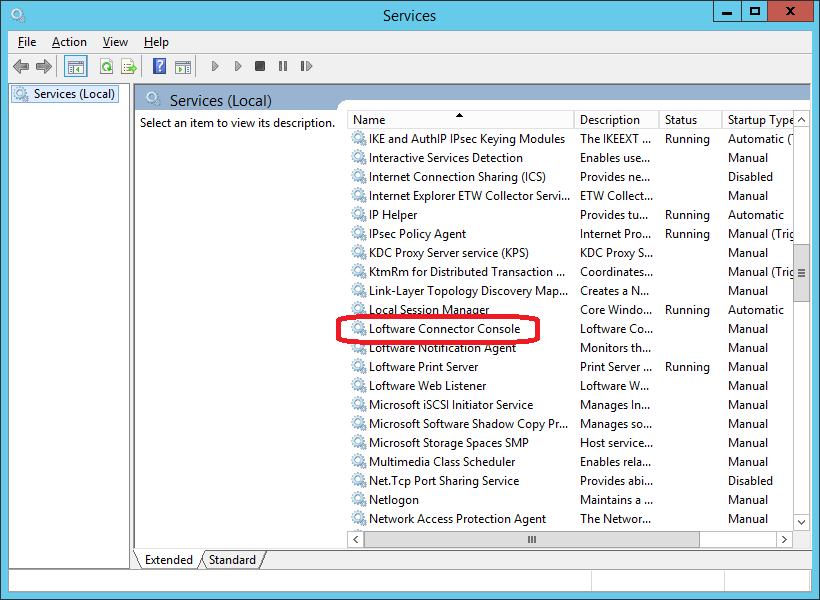
- A service called “Loftware Connector Console” will be created and set to run in the local system account.
Article Number
2016047
Versions
Loftware Connector for Oracle versions 4.x and higher.
Environment
All supported Loftware Connector for Oracle environments.
