Error MSG 602 Authentication Failure - Invalid Security Object
Description
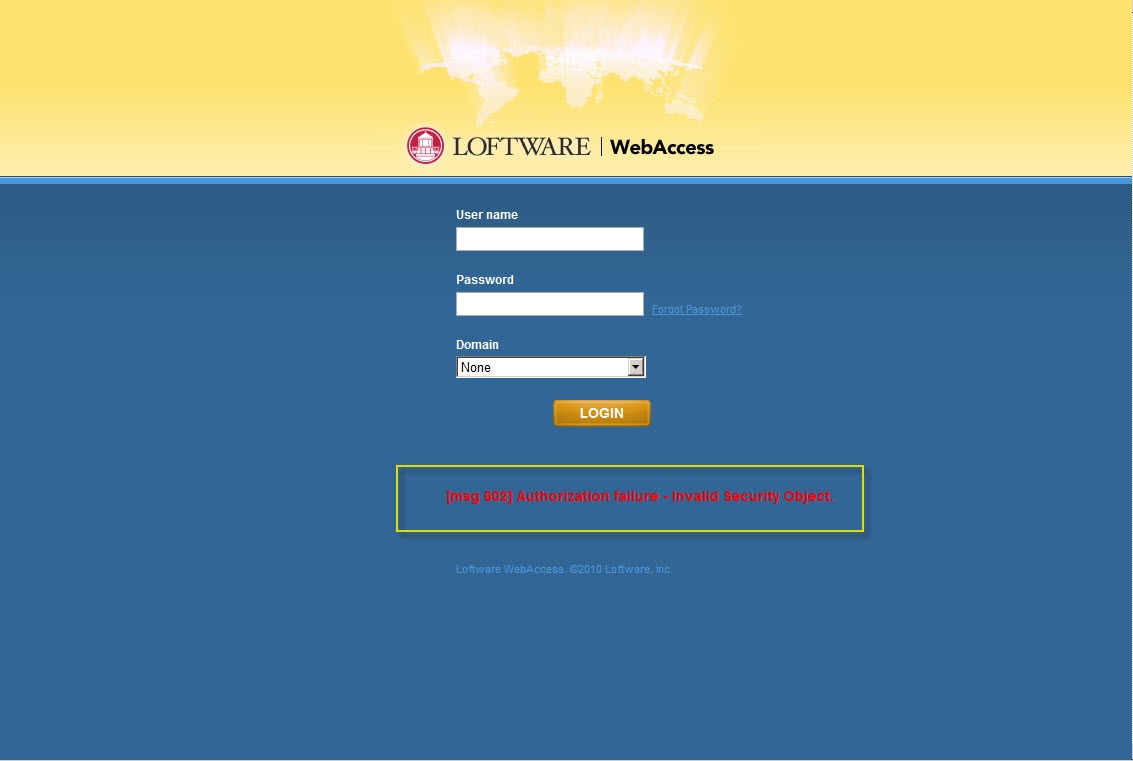
This error occurs if a user is created in Loftware WebAccess, but is not associated with a Role. If the user without an assigned role tries to log into Lofware WebAccess, the following error message displays in red lettering:
Message
MSG 602 Authentication failure - Invalid Security Object
Solution
- Log in as the Administrator, add a Role to the user that prompted the error message, and then save the update.
- Restart the Tomcat service
- Log back into WebAccess as the above user. You should be successful.
The result in completing these steps allows the user to successfully log into WebAccess.
Article Number
2014013
Versions
Loftware WebAccess 2.4.4
Environment
All supported installation environments.
