Error M635 Warning: Unable to locate layout associated with this label".
Description
When opening a label, why do you get the warning?
Example
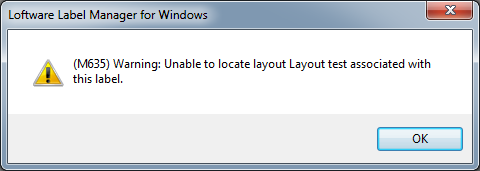
Explanation
A Layout is an object used to specify that multiple labels can be printed on one sheet. When a Layout is created in Loftware, it has its own file name with an LWY extension. This Layout file can then be associated with a label.
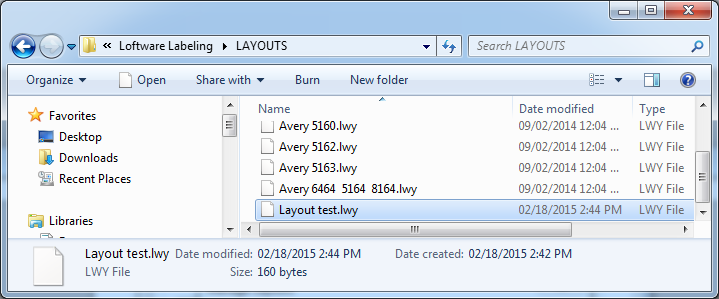
The error occurs when the Layout file that was associated to the label being opened is no longer in the Loftware Labeling default LAYOUTS directory. This can happen if the file gets deleted, or if the label file has been moved to a system where the associated Layout file no longer exists.
Solution
The name of the missing Layout is actually listed in the error message. The actual Layout file name will have an LWY extension.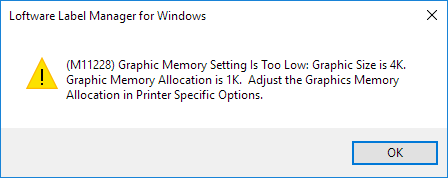
Once you have the name of the missing Layout file, you have the following 4 choices:
- Locate the missing Layout file and copy it into the Loftware default LAYOUTS directory.
- Recreate a new Layout file with the same name in the Loftware default LAYOUTS directory.
- Associate the label file with a different, existing Layout.
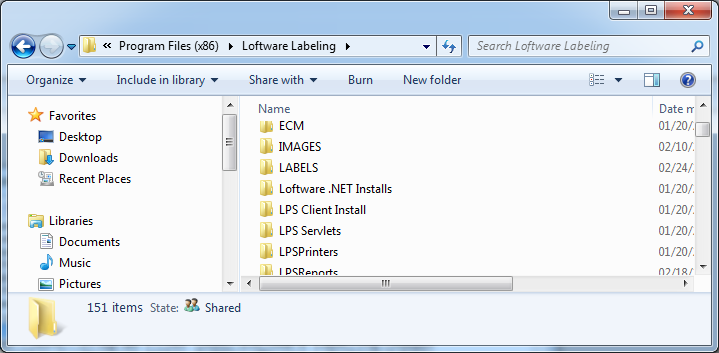
- Disassociate the label file from the missing Layout. This will happen automatically when the label file associated with a missing Layout file is opened in Design32 upon saving.
Article Number
2015038
Versions
All supported LPS family product versions.
Environment
All supported installation environments.
