Error M13001 Resource allocation failure occurred during drawing
Message
When attempting to print a label using On Demand Print 32 an error dialog box appears containing the following error message:
(M13001) Resource A physical or logical entity managed by a cluster member. Resources are contained in groups. The LPS is such a resource. allocation failure occurred during drawing. One or more fields may not be drawn.
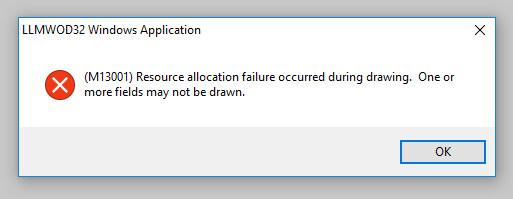
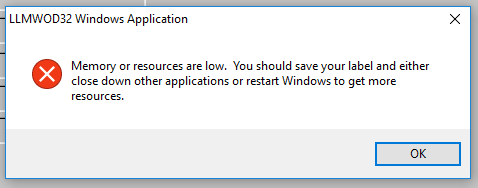
Often, after clicking OK to the initial error dialog box, an additional error dialog box will appear containing the message:
Memory or resources are low. You should save your label and either close down other applications or restart Windows to get more resources.
Explanation
This behavior has been found to occur when a version of Loftware Label A label is a design area on the computer screen where a label format is created or edited. Manager (LLM) or Loftware Print Server (LPS) is installed on a Windows operating system which is not supported by that particular Loftware product and version. For example, if LLM version 9.0.2.6 was installed on a computer running the Windows 10 operating system.
Solution
- Refer to the Operating Systems Compatibility charts located on our web site to determine the proper version of LLM or LPS for your Windows operating system.
2. Contact our Customer Account Management group ( https://www.loftware.com/contact-customer-account-management ) to obtain the proper LLM version for your computer's operating system.
Article Number
2018011
Versions
Loftware Label Manager and Loftware Print Server version 7.x and higher.
Environment
Supported Windows Operating Systems running unsupported LLM/LPS versions.
