Error M1173 Invalid layout directory when opening Design32
Description
When opening the Design32 program, the following message is encountered.
Message
(M1173) Invalid layout directory <layout path>. Using current directory
Example
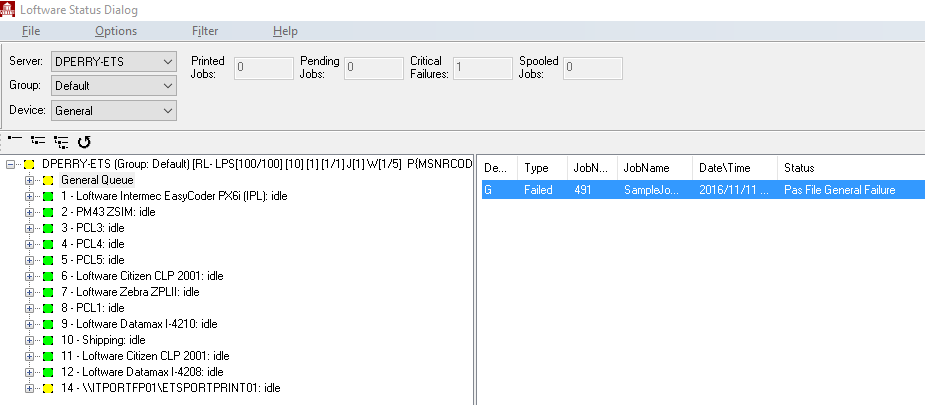
Explanation
The Default File Location for Layouts is no longer accessible. The following images show that although the "C:\Program Files (x86)\Loftware Labeling\layouts" location is expected by Design 32, the Windows dialog confirms that this directory does not currently exist.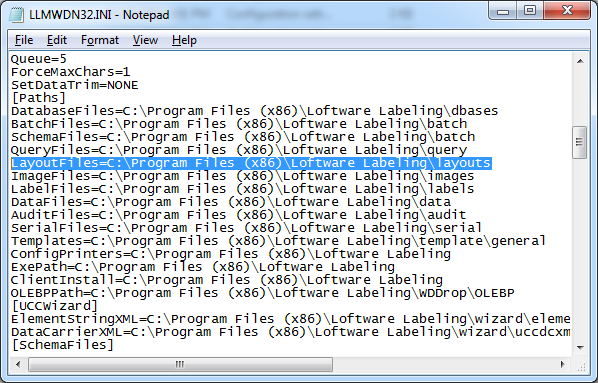
Windows dialog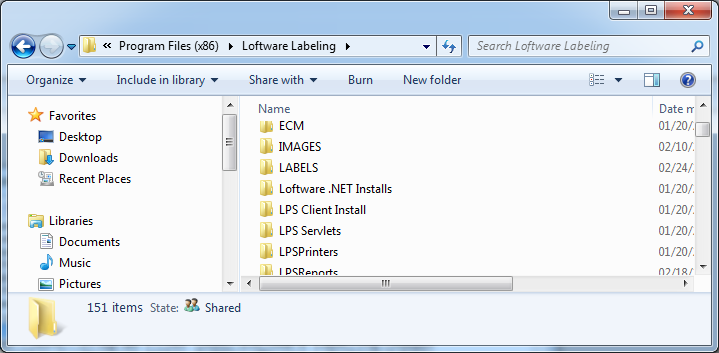
Solution
Either change the Default File location for Layouts in Design32, or re-add the layouts directory already set as the Default File location for Layouts.
Article Number
2015035
Versions
All supported LPS family product versions.
Environment
All supported installation environments.
