Error M11167 Image Not Found
Problem
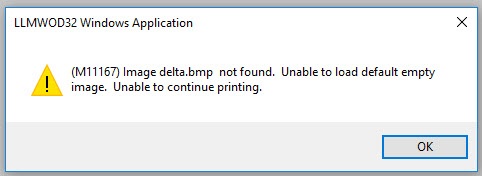
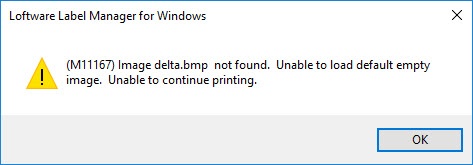
The error message "Error M11167 - Image not found. Unable to load default empty image. Unable to continue printing." is presented. This can occur in On Demand Print or in Design.
Examples:
- Error message M11167, returned in On Demand Print
- Error message M11167, returned in Design32
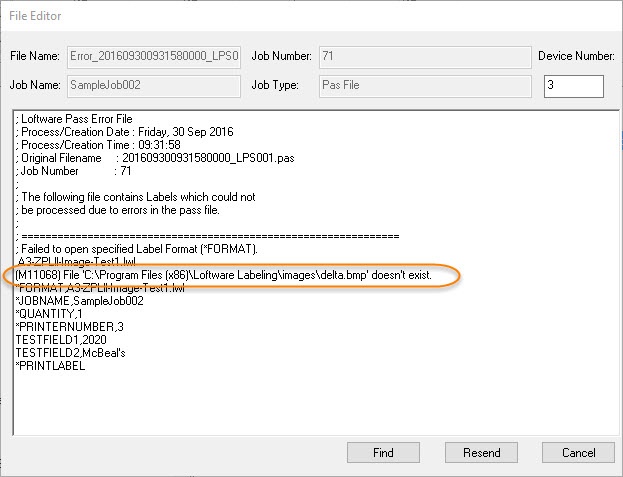
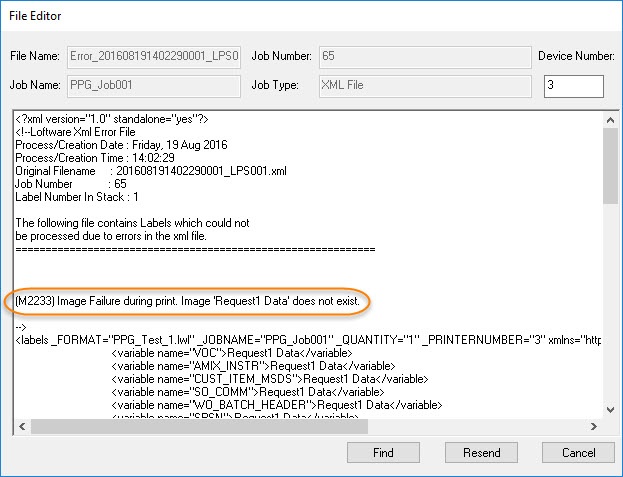
- This same issue can also generate a M11068 or M2233 error when processing files through the LPS using drop file functionality.
(M2233) Image Failure during print. Image 'delta.bmp' does not exist.
Explanation
The Loftware application is unable to locate or access the image file specified in the label. This can be caused by one or more of the following:
- Incorrect file name or path specified
- Issue with user permission/access to the image file/folder
- Invalid file location setting in Loftware Designer Options\File Locations\Images
Solution
- Correct misspellings of file name or file path.
- Verify that the image file name entered is valid and that the file is located in the file location specified in Options\ File Locations.
- If using a UNC path, verify the UNC path used is valid.
- If the file name is pulled from a Data source, verify that it can be accessed.
- Check the file permissions on the image file to verify the user or the Loftware service account user can access the image file.
Article Number
2016036
Versions
All supported LPS family product versions
Environment
Any supported LPS enviornment
