Introductory Steps
To complete introductory PrnInst steps:
-
Double click your downloaded driver package .exe file and click the
Unzip button.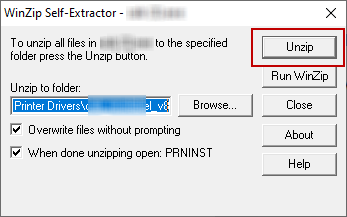
-
After your files self-extract, click
OK .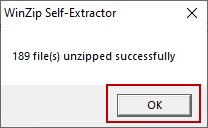
- Allow your computer to run the printer install wizard.
-
Welcome screen appears. Click
Next .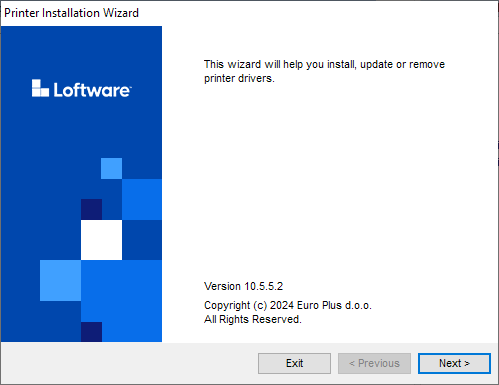
-
Select
Install Printer Driver and clickNext .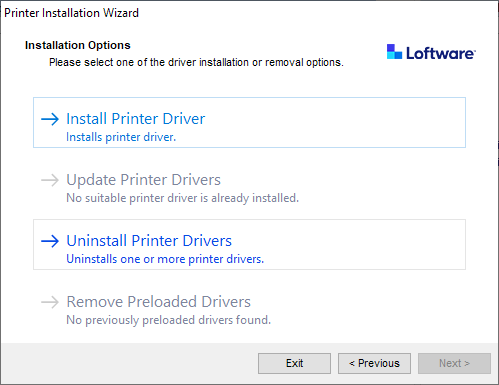
-
Accept the terms of the
License agreement and clickNext .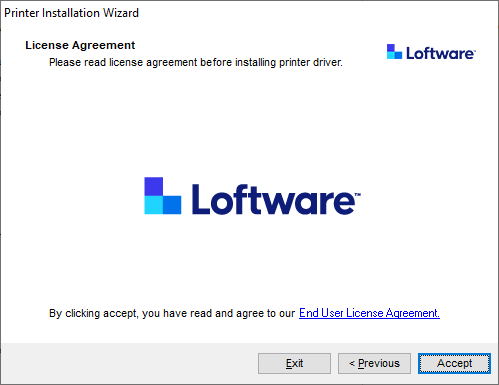
-
Select printer port and click
Next .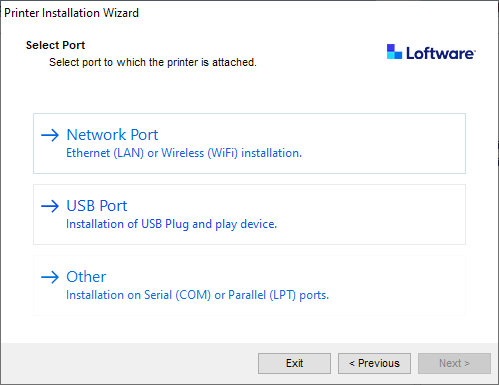
Steps for the available printer port options are described in dedicated topics:
- Network Port Installation Steps
- USB Port Installation Steps
- Bluetooth Port Installation Steps
- Other Port Installation Steps
Note
Check the available ports on your printer before you select the printer port you want to use at installation. Some printer models have only a limited selection of printer ports.
 more
more