Cannot run Loftware programs after your Loftware Cloud account was removed
Problem
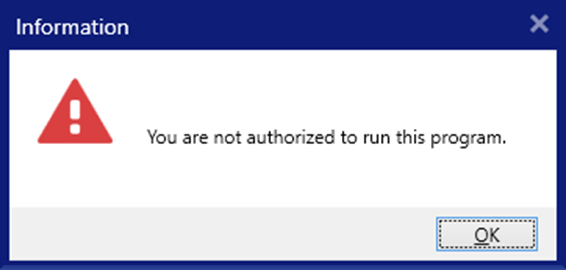
You were running Loftware with the Loftware Cloud license option. Your Loftware Cloud account was removed and when you try to start Loftware applications, you get the error message: "You are not authorized to run this program".
Solution
Delete the Loftware configuration file where your license information is stored.
-
Open the Windows Services application (type “Services” in the Start menu).
-
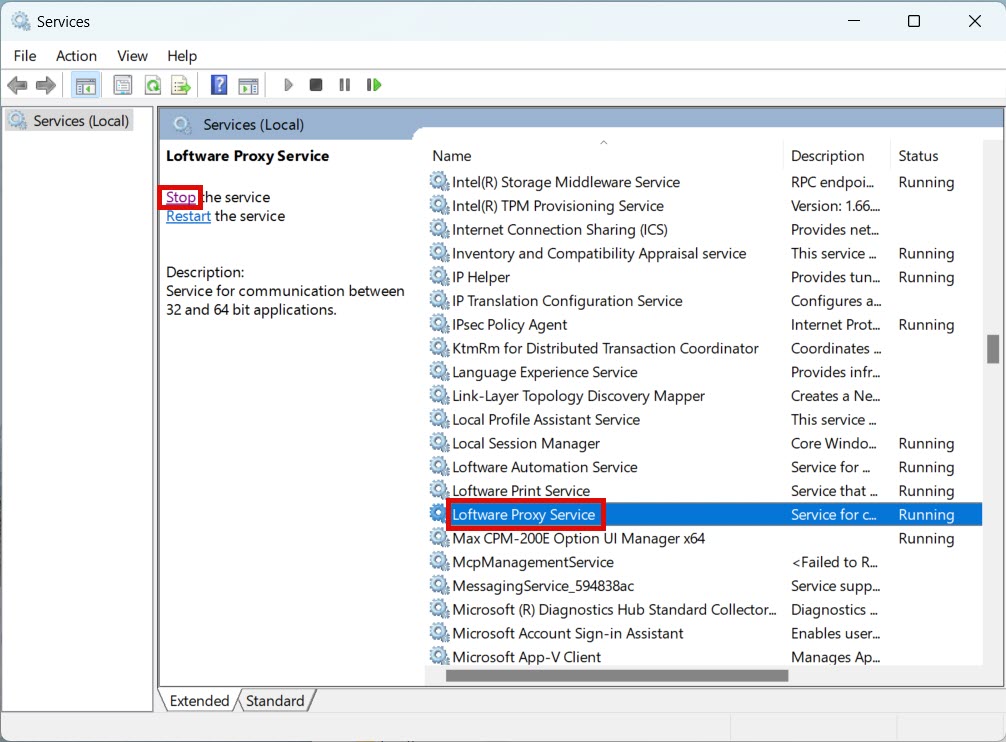
Navigate to Loftware Proxy Service and stop the service.
-
In your File Explorer navigate to the folder
c:\ProgramData\Loftware\Loftwareand create a backup of theproduct.configfile. -
Open the original
product.configfile in a text or XML editor. -
Delete the entire
<LmsCloud>node.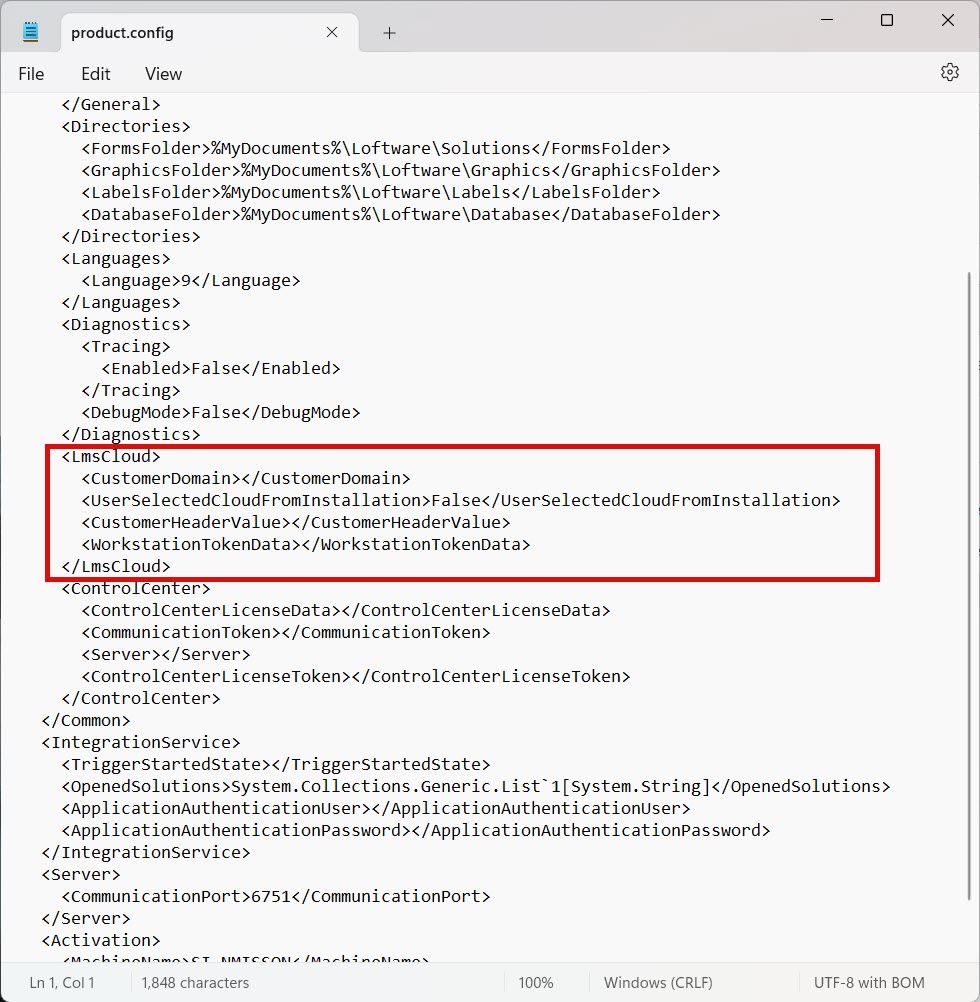
-
Save the edited
product.configfile. -
In the Services application, start Loftware Proxy Service .
Now you can start and activate your Loftware application.
 more
more