Version updates
The set of Loftware features is constantly expanding. Loftware recommends you to always install and use the latest available version of Loftware . To achieve this, update your existing installed version with the latest one. New versions are regularly published and distributed.
Tip
When updating to the latest version, do not remove the existing version of Loftware manually. The update process removes it automatically and seamlessly installs the latest version. Licensing data is retained and the application is ready to use.
Complete these steps to update your existing version of Loftware .
-
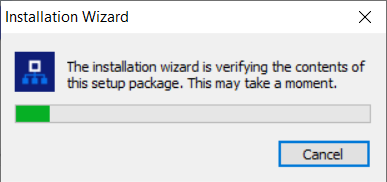
Download the software package. Run Loftware.exe. The installer verifies the installation package content.
-
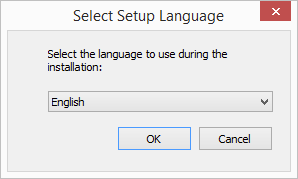
Select the installation language from the drop-down list and click OK.
Note
Language selection determines the interface language of the installed Loftware .
-
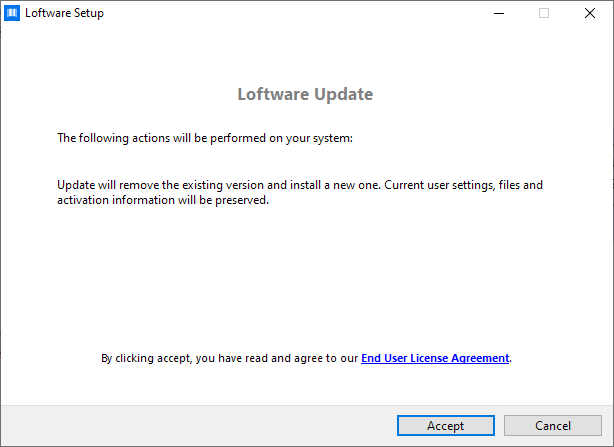
Loftware Update window appears. Click Accept to agree to our End User License Agreement and to continue with the installation..
-
Installer automatically removes existing version.
-
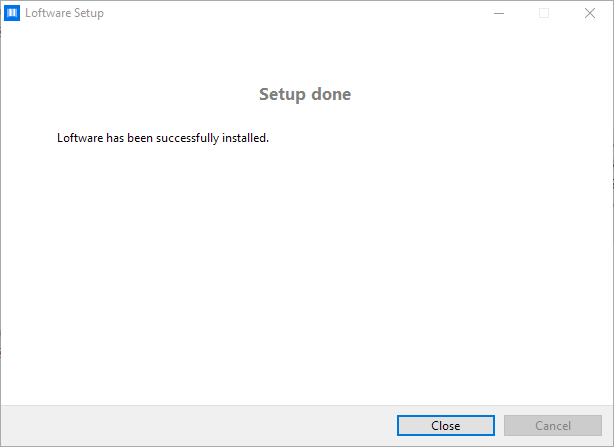
When done, the installer confirms that the latest version is successfully installed. Click Close and continue with your work.
 more
more