Listing cloud printers with Cloud Print API
Using the GET Printers call
When you develop applications where users print labels with cloud printers, use Cloud Print API to get a list of your printers with Loftware software installed (you can see cloud printers in Control Center under Printers > Cloud Printers):
-
Sign in to the Developer Portal.
-
Go to APIs > Cloud Print API - v2. The Cloud Print API page opens.
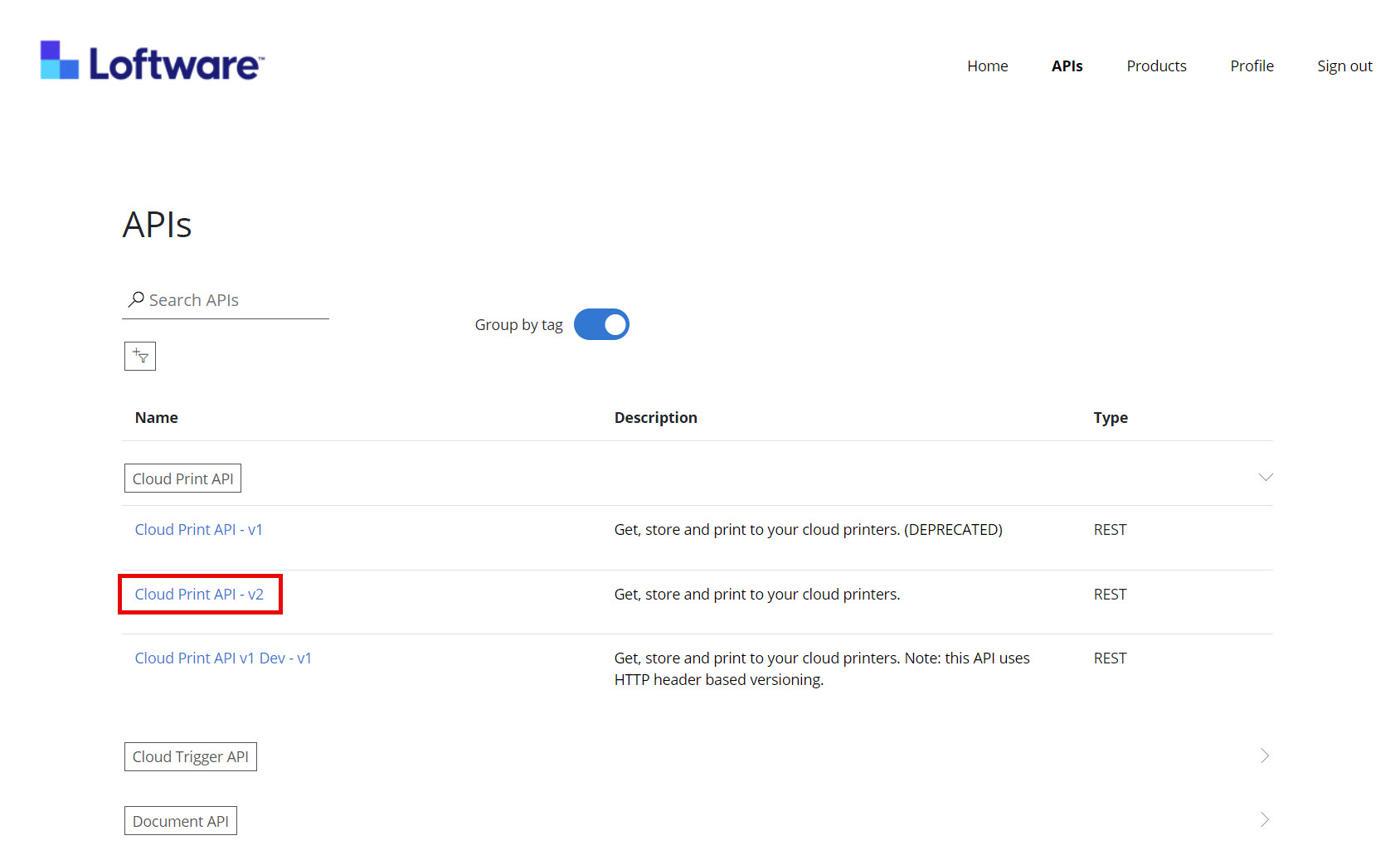
-
Go to Printers and click Try it.
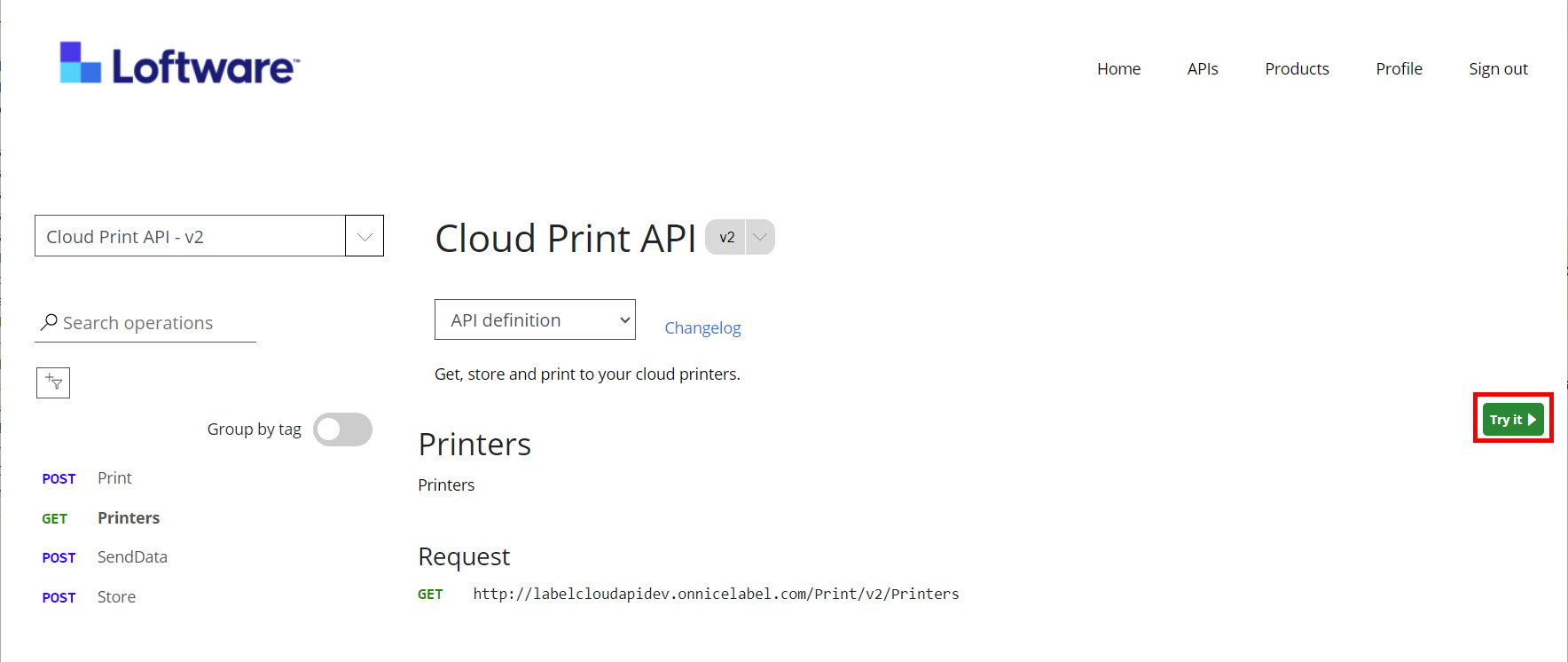
-
Click Send.
In Response content, the Developer Portal displays your printers, installed on all workstations with Loftware Cloud. You get a list of two types of printers:
-
All cloud printers defined in Control Center
-
Printers installed on all workstations with Loftware software.
The deviceType identifies the type of printer:
-
CloudPrinter refers to printers with built-in cloud printing capabilities. Cloud printers must be connected to Loftware Cloud.
-
PrintQueue refers to other (non-cloud) printers, installed on Loftware workstations.
 more
more